
User can check the history of the guests by selecting "History" option on the home page.
The following view will show for the following organizations:
1. Food and Dining2. Food and Drinks
3. Retail
4. Leisure and Entertainment
For these organizations, guest history is reset overnight. We are working on adding more options in the near future to better manage guest history.
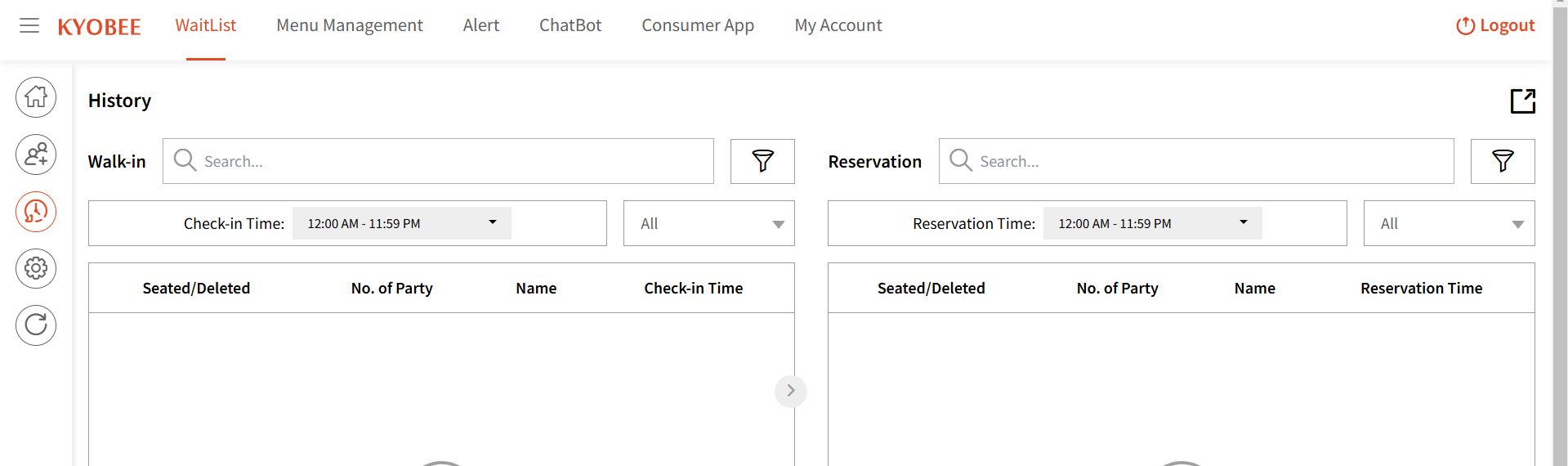
For the following organizations, the guest history view will look like this giving you details about the Staff and Services assigned to the guests:
1. Beauty and Personal Care
2. Transportation
3. Professional Services
4. Charities, Education, Membership
5. Home and Repair
6. Fitness
7. Healthcare
8. Pet Care
9. Casual Use 
Clicking 'View' will give you the selected guest's history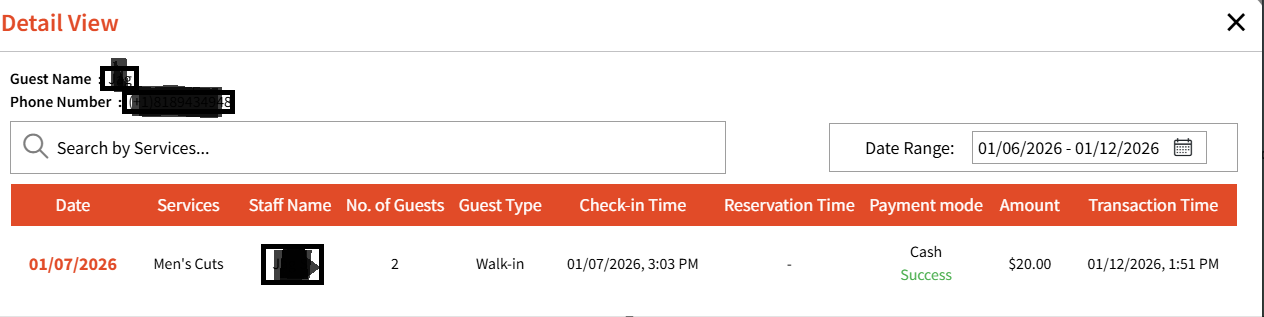
You can also click the date to view the Transaction details.