
- Reset the settings of your organization including all the guest information by clicking the last option Reset on the home page.
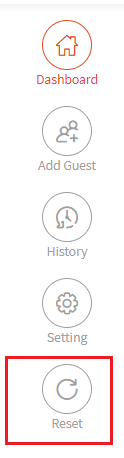
- A pop up window will be displayed for the reset confirmation.

Please note:
For the following organizations, 'Reset' will remove all the guest details that exist for today's date.
2. Food and Drinks
3. Retail
4. Leisure and Entertainment
For the following organizations, 'Reset' will remove the data but we keep the guest information in History for those who had a transaction
1. Beauty and Personal Care
2. Transportation
3. Professional Services
4. Charities, Education, Membership
5. Home and Repair
6. Fitness
7. Healthcare
8. Pet Care
9. Casual Use