
The live waitlist link URL is shared with the guest when the first text message is sent to a guest when they get added to the walk-in list.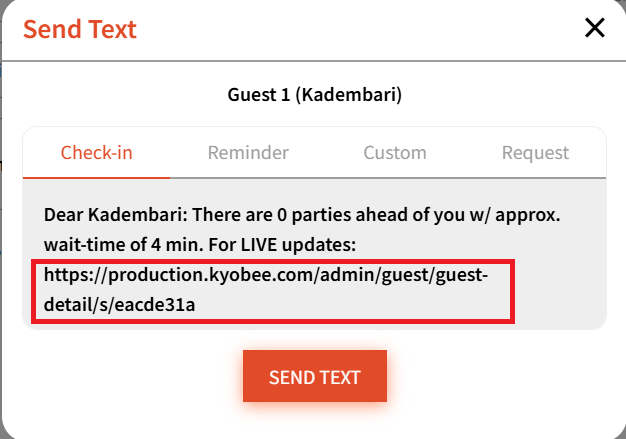
Clicking it will show the guest all the following details: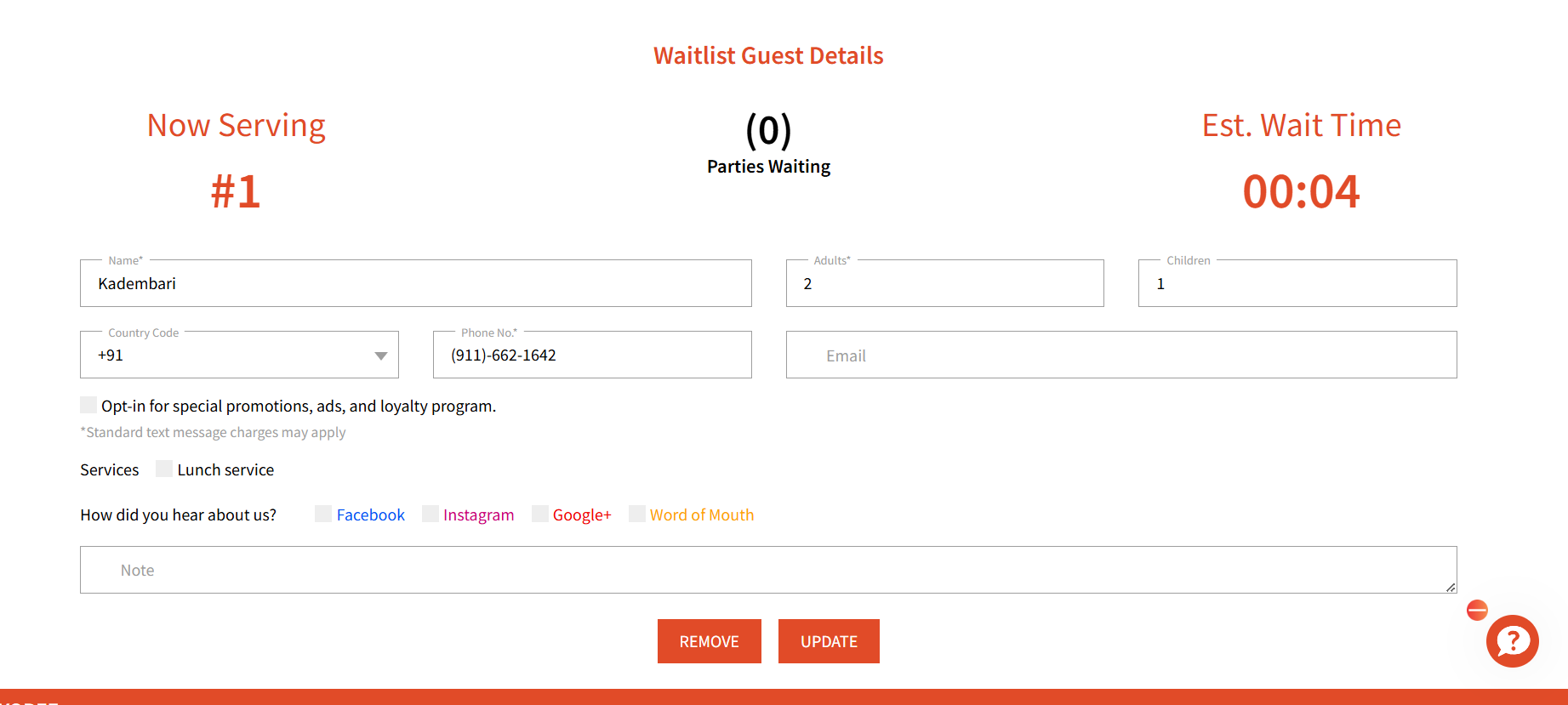
Here, user can update their details and simply hit 'Update'
Guest can also remove themselves from the waitlist by clicking 'Remove'
This will update the Waitlist dashboard on the Admin side to show the changes.