
Depending on your organization type, you will have choices to create Item and/or Service categories.
For the following organizations, Service category option will be available:
1. Beauty and Personal Care
2. Transportation
3. Professional Services
4. Charities, Education, Membership
5. Home and Repair
6. Fitness
7. Healthcare
8. Pet Care
9. Casual Use
You can then create a category by selecting the type of category.
For example, if you select 'Item', you will be able to use this category for items that you have or will configure in the 'Item Library'.
For example, an Item Category can be 'Burgers' and an item you can attach to it could be 'Cheeseburger'.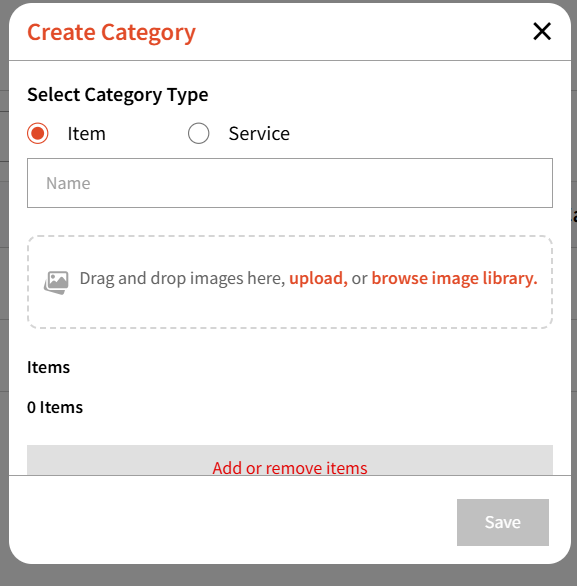
You can then name your category and upload images from your computer and/ir add images from your image library.
You can then add or remove items you wish to attach to this category.
On the listing page, you will be able to view the main category and the items/services attached under it