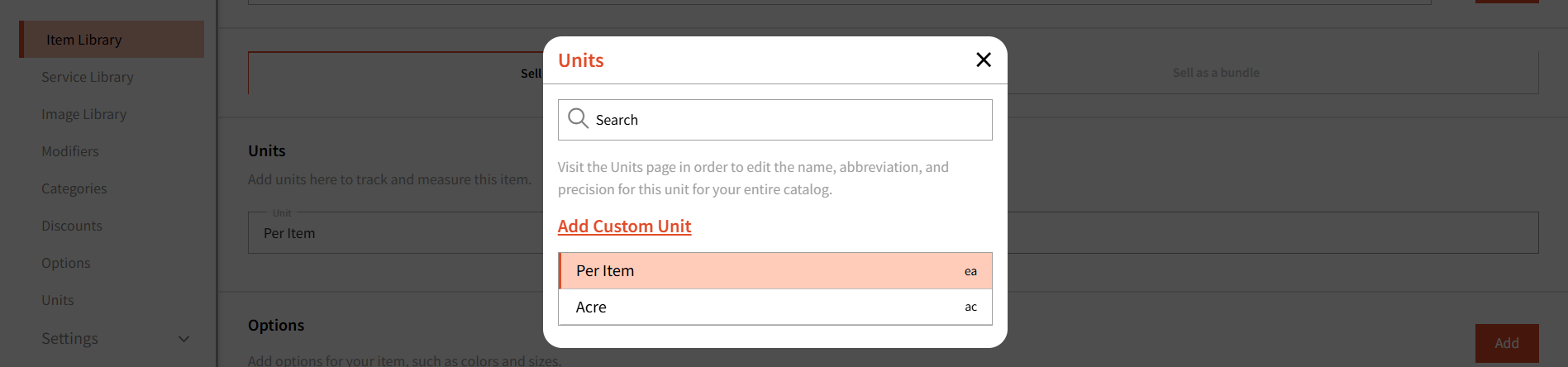
Note: This tab is only available on web.
Under 'Units' listed under Items in 'Items and Services' of the POS module, you can manage the units you want to use for your items.
Units are helpful if you wish to track stock of your items. 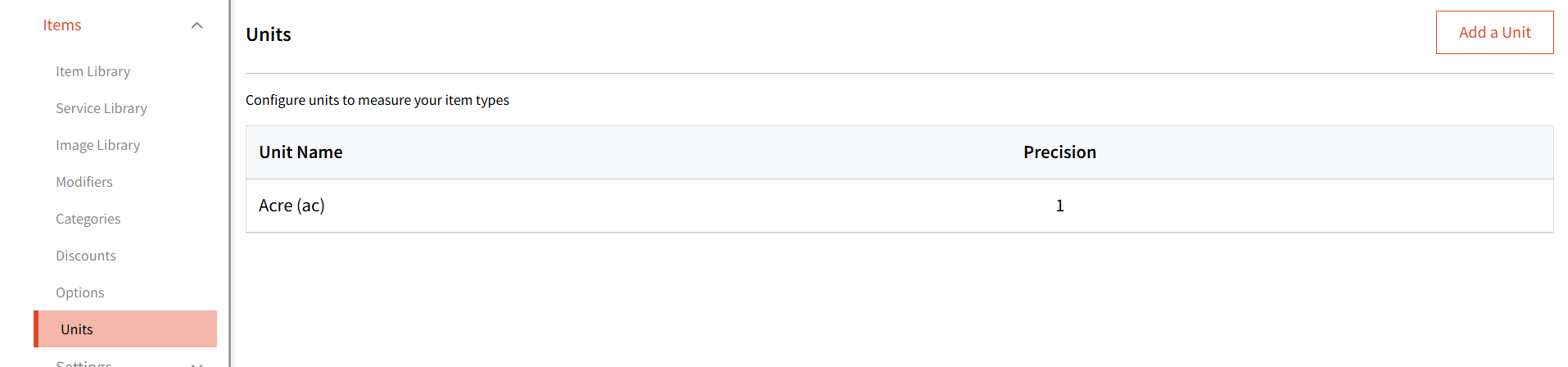
Clicking 'Add a unit' will show you a form where you can select from the pre-defined list of units which can be used in the Items you have created. 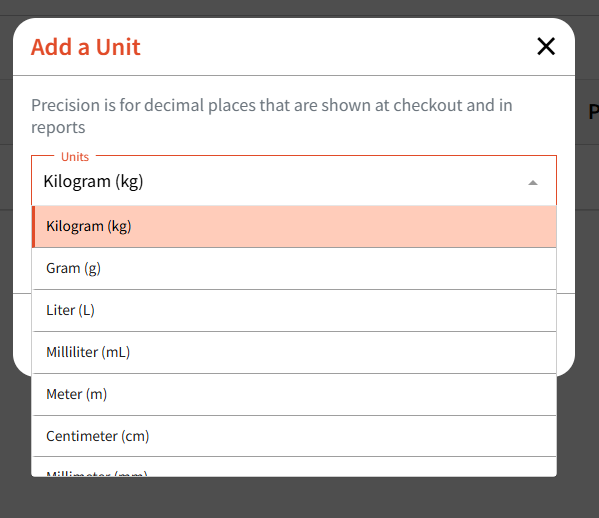
Precision lets you control how the unit is rounded. For example, if you set the precision to .0 and add 5 units, it will be stored and displayed as 5.0.
If you want to use a Unit type that is not part of this list, you will be able to create Custom units on the item level under the Item Library: