Note: This tab is only available on web.
Item Settings
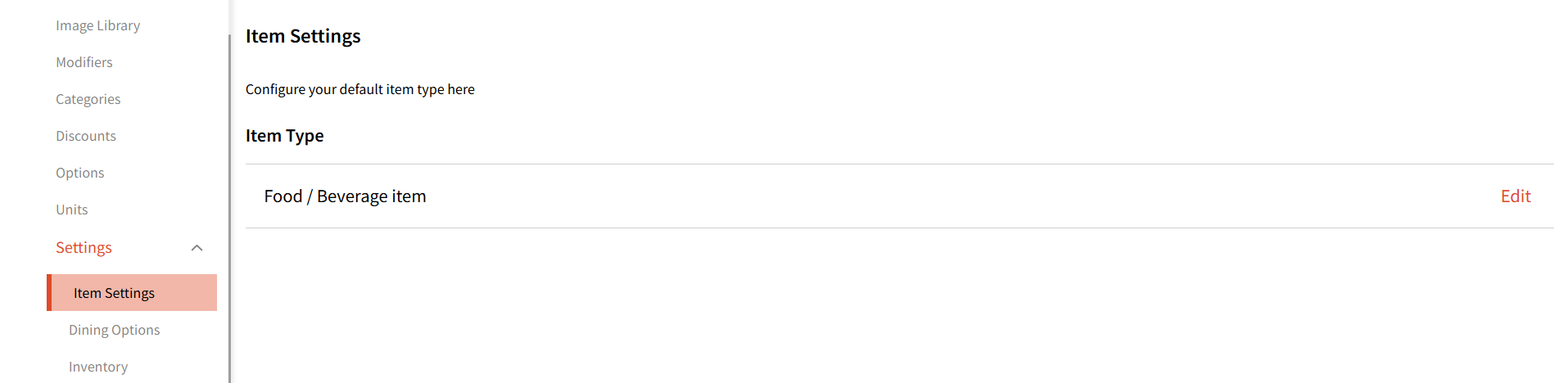
Here, you can select the default item type. Your chosen item type will be marked as default whenever you are adding a new item. Note: You can still change the item type when creating a new item.
Dining Options
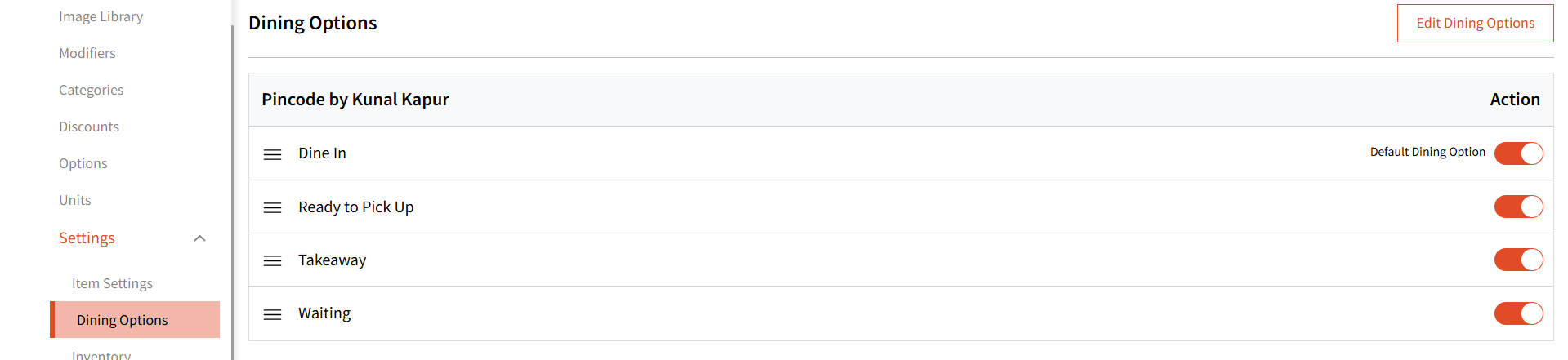
These are the 4 default dining options. Note: These will look different based on your organization type.
These options are used in the Order Module where you can select one as the order type.
Inventory
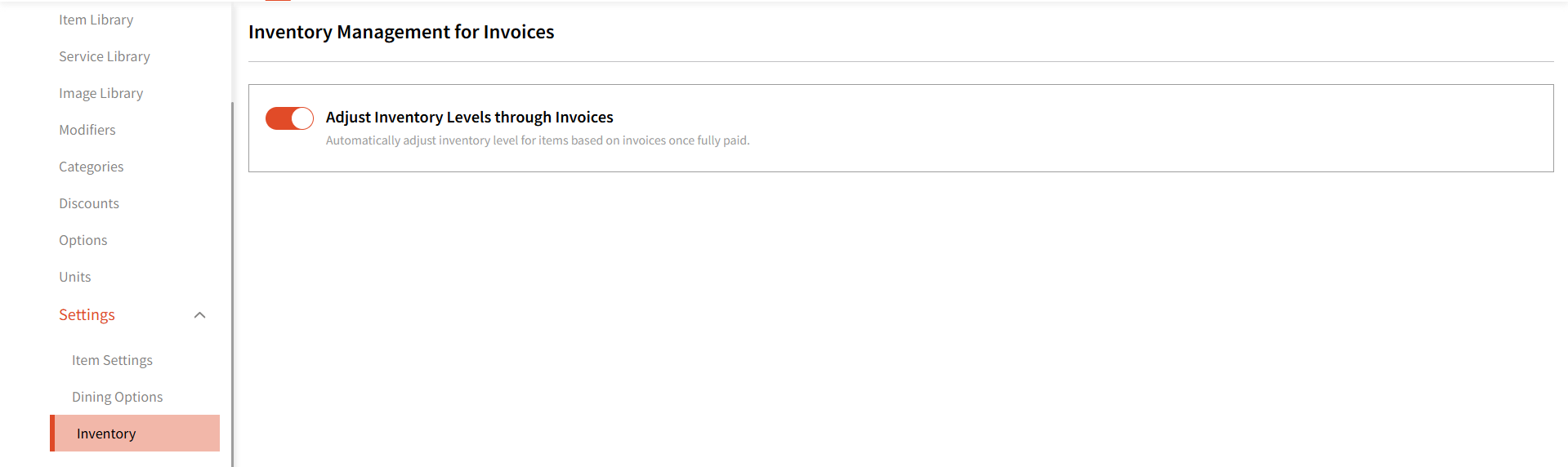
You can choose whether your item stock levels should auto adjust based on the invoices generated in the Order module.
When this toggle is turned on, the stock level of an item will decrease each time it is sold through the Order module.