
All your transactions will show up under the 'Transactions' tab including Paid, Refunded, and Cancelled transactions.
You can even filter transactions by date and type: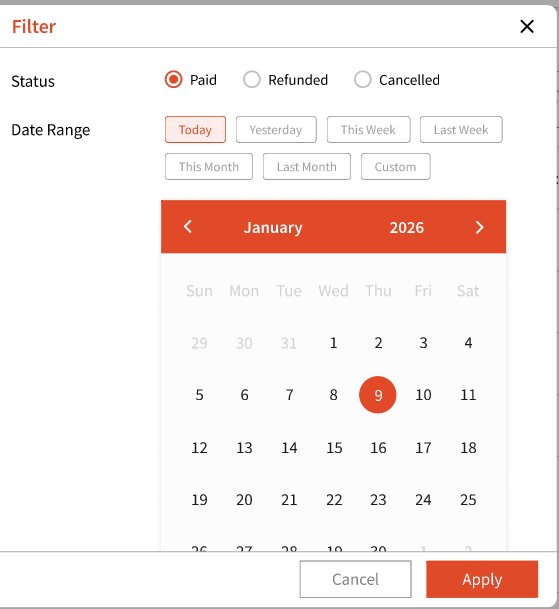
Clicking the icon under 'Actions' will allow you to view the Invoice, Print Invoice, or even Send Invoice.
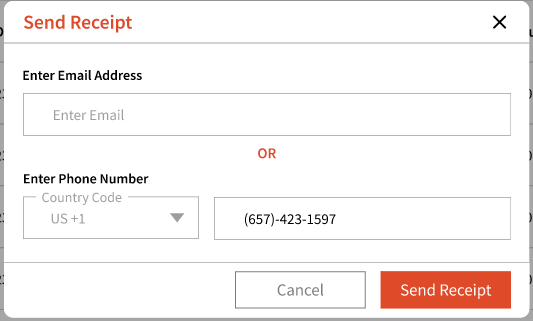
For 'Send Invoice', you can either send the receipt to the guest's email or phone number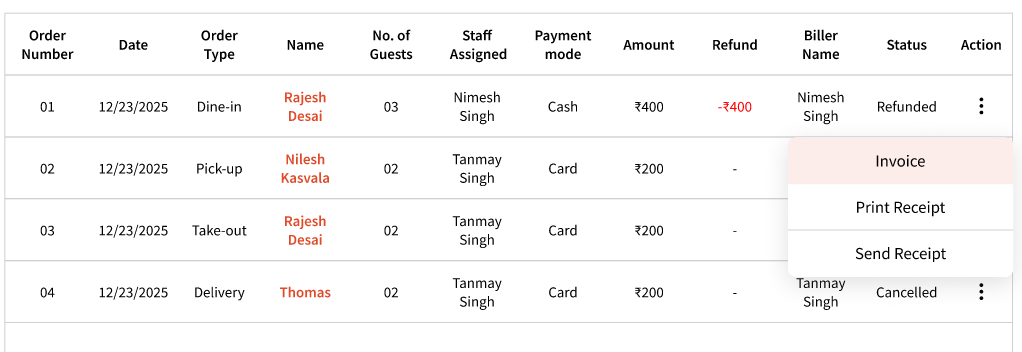
You can even export a filtered transaction history by using the 'Export' button located on the top right: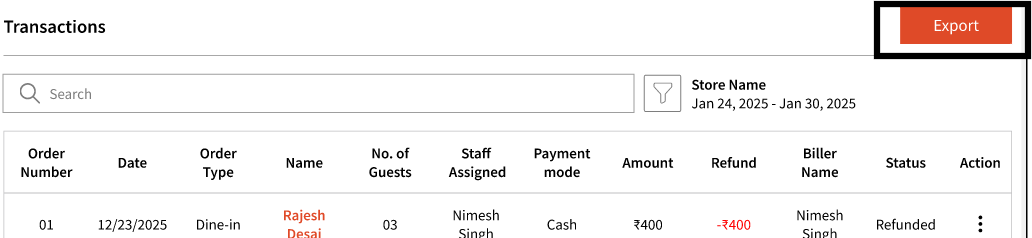
For 'Paid' transactions, you can view details by clicking a guest's name that will show you 3 tabs:
1. Guest Details
2. Items
3. Refund
For Service transactions, you will also see 'Services' option.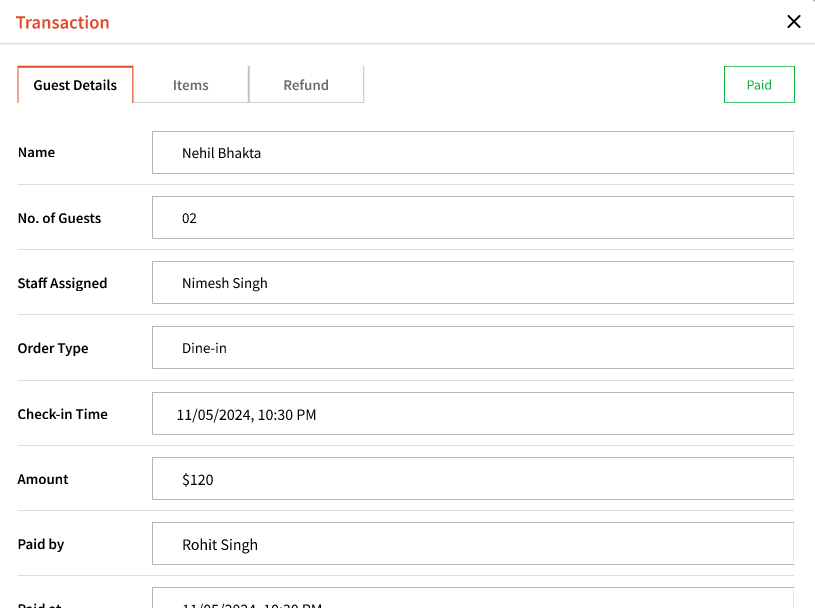
For refunded transactions, you will see these 2 tabs after clicking the guest's name: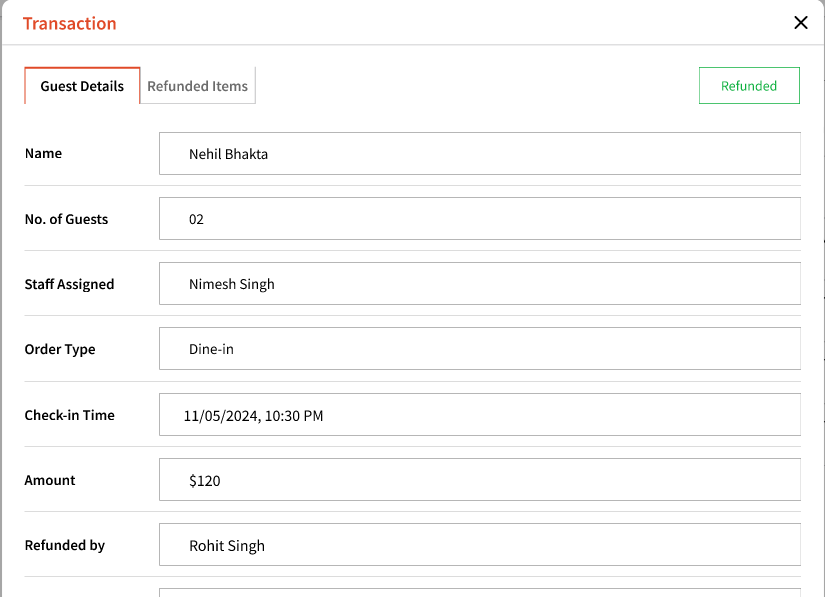
For cancelled transactions: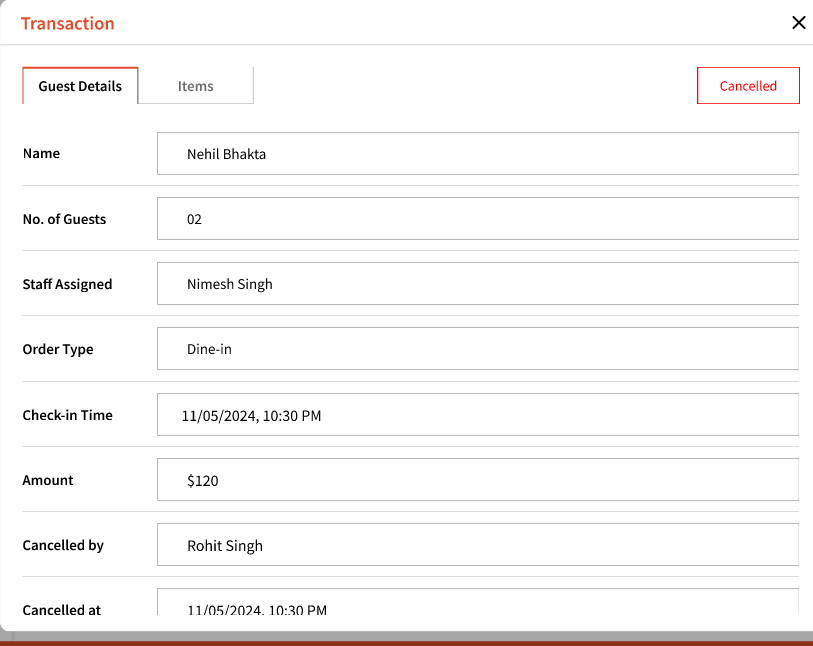
Items tab will show you the items that were part of this transaction. Similarly for organizations that support services, services will be show in transactions.
For paid transactions, you can process refund for the entire order or for certain items from the order. To refund the entire order, click 'Refund entire order':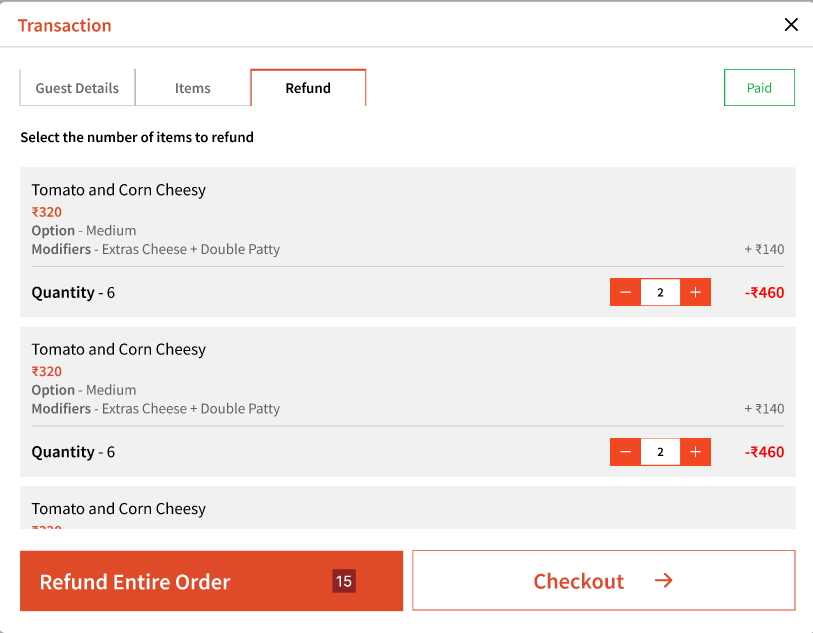
For certain orders, you can simply select the quantity of the individual items and click 'Checkout'.
This will then ask you to provide a reason and enter your password to process the refund: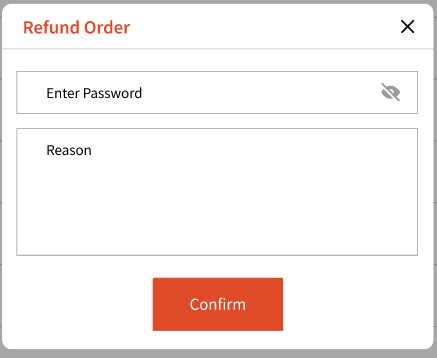
Note: Partial refunds cannot be processed on card transactions. If a partial refund is necessary, you may choose to refund in cash.
Note: At this time, any user can process refunds. User permissions will be added in a future update, allowing admins to control who can process refunds.