Cash Drawers
Note: Cash Drawers Tab is only available on web
As part of your transactions, you will be able to manage your cash drawers and fill out 'Start' and 'End' of day reports to ensure cash reconciliation. This is where the 'Accounts' tab will help!
Under 'Cash Drawers', you will be able to manage all your cash drawers. 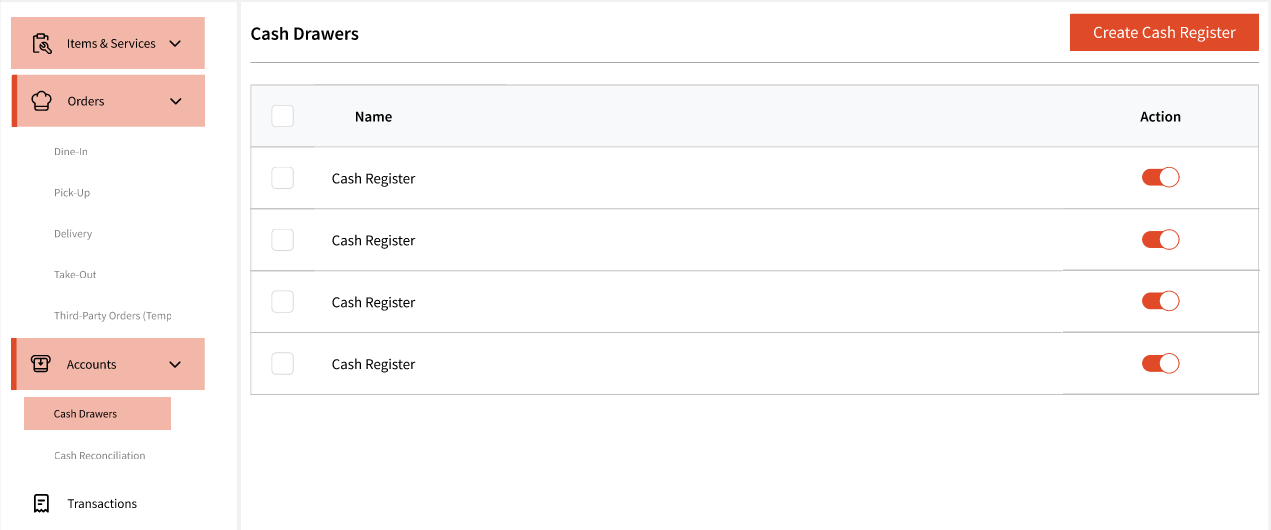
Hitting 'Create Cash Register' will allow you to add a new cash drawer to the system.
You will be asked to give it a name: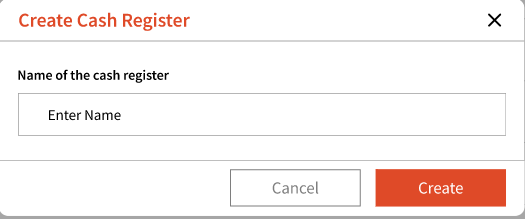
Once enabled, it will appear in the list. You can turn it off at any time if needed.
When checking out a guest, you will be prompted to select a cash drawer for the transaction, allowing you to track all transactions associated with that drawer.
Note: If a cash drawer is turned off, it will no longer appear as a selectable option during checkout.
Cash Reconciliation
Under this tab, you will be able to track and manage your opening and closing accounts for each day's transactions.
Similar to the Transactions tab, you can filter by date range. Additionally, you can even filter by cash drawers.
Upon start of each day, the admin will be prompted to complete the start of day form for each of the cash drawer: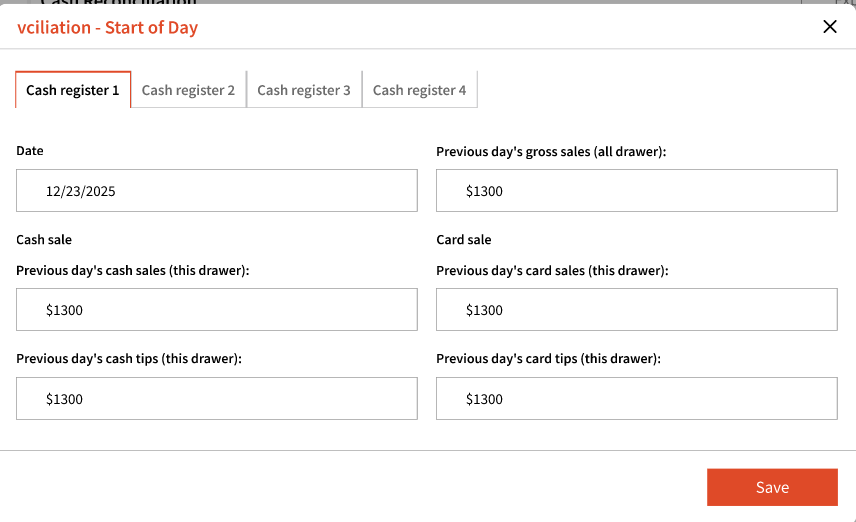
This form will give you details from previous day's end of cash and require you to enter the starting cash. The starting cash being reported must match the cash from previous day's end of day cash.
If for any reason, the starting day cash does not match the previous day's cash, the user will be required to enter the reason: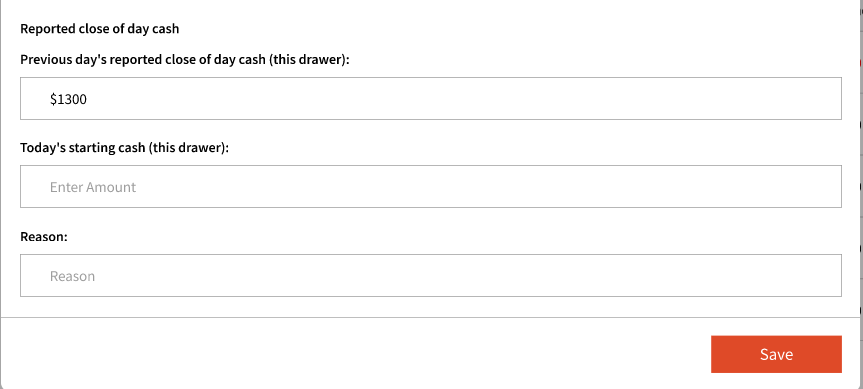
Note: The POS system can only be used after the 'Start of day' form has been submitted. }
Only the following user roles can fill out Start of day and End of day forms:
1. Customer Admin
2. Admin
3. Manager
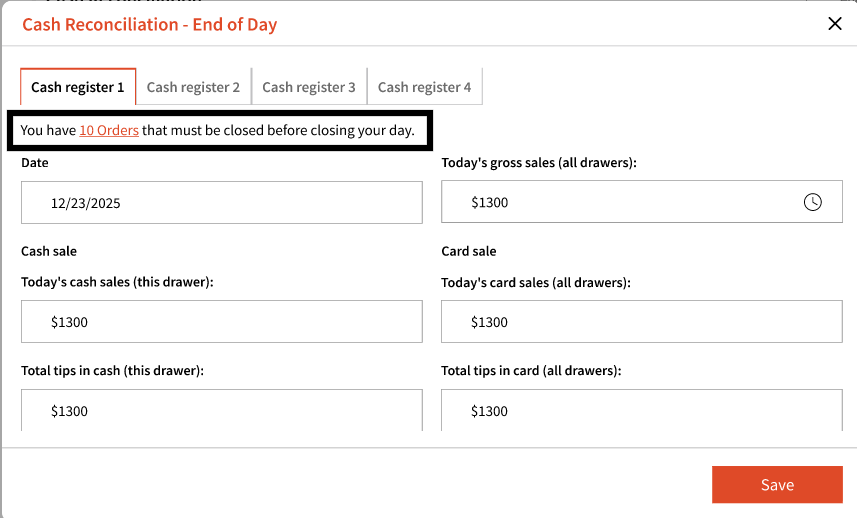
Similarly, the admin is required to complete the 'End of day' form. Alerts for both forms will appear on the dashboard. Additionally, the admin can use the 'Accounts' tab to fill out these forms.
All orders in the system must be closed before an admin can complete the End of Day form. If there are any pending orders, an alert will continue to appear on the End of Day form.