1. Food and Dining
2. Food and Drink
Note: To use the Staff app for the organization types listed above, ensure that at least one floor is set up and tables are added in the Alert module. For other organization types, access to the Staff app is available as long as the plan includes it.
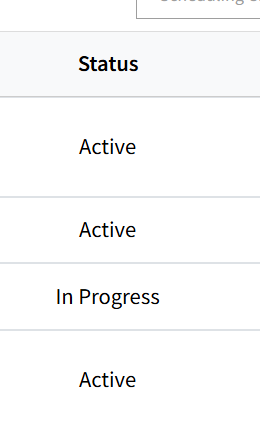
Any member added in the Staff tab who has an 'Active' status will be able to access the Staff App. 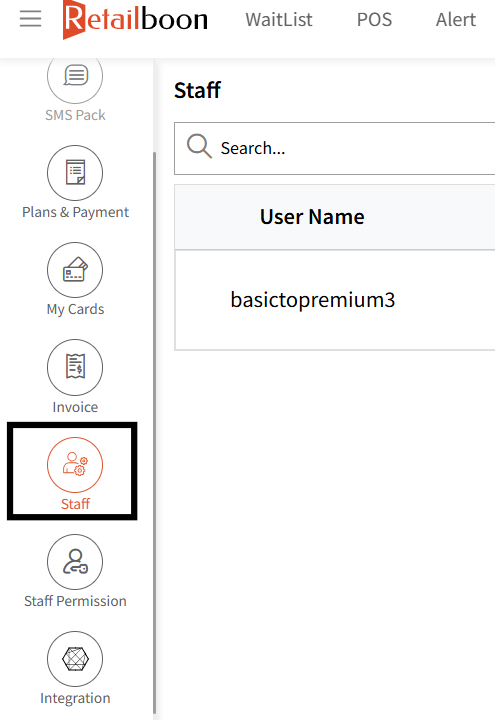
The link to downloading the staff app is listed under the 'Initial Steps' tab
Users can use the same login credentials to login to the app which they use for Web. 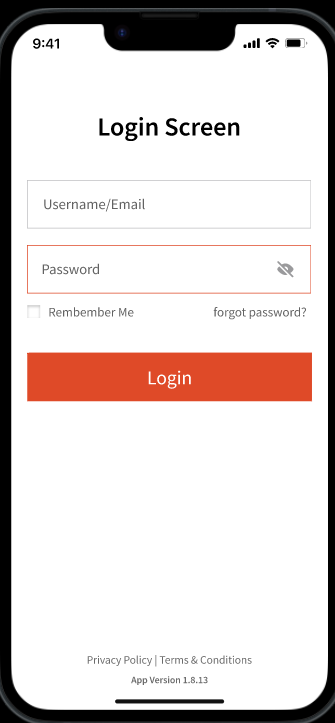
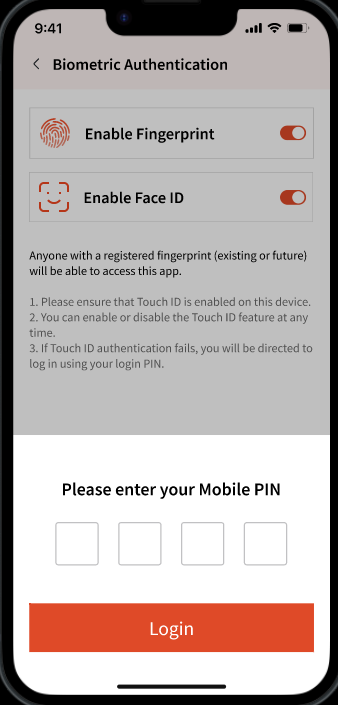
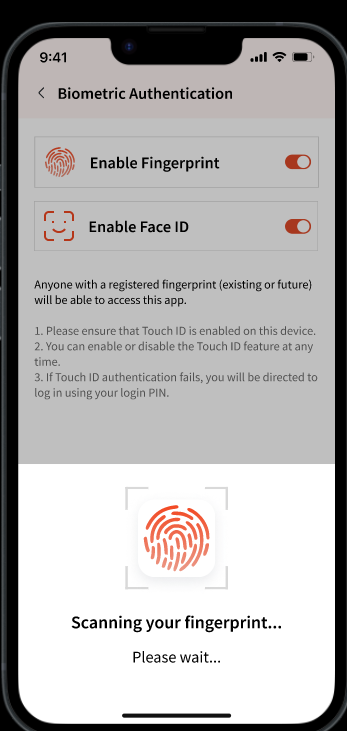
Depending on the device, they can set up biometrics either using their FaceID or Fingerprint Scanner.
User must enter their phone's PIN to enable any of these. Once authenticated, you can setup your selected biometric option.