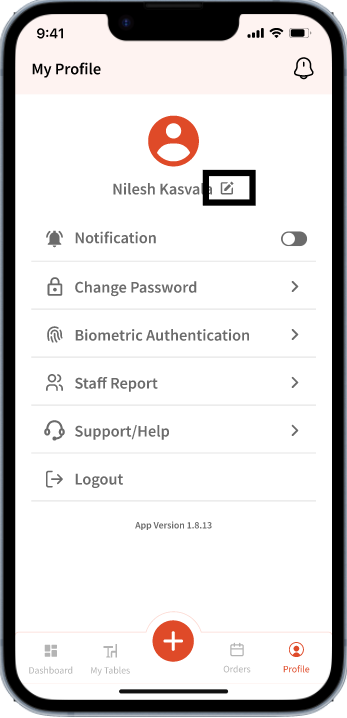
For the following organizations:
1. Food and Dining
2. Food and Drink
The Profile tab is located in the bottom right: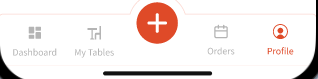
For all other organizations, the profile tab can be accessed using the profile icon located on the top right corner:
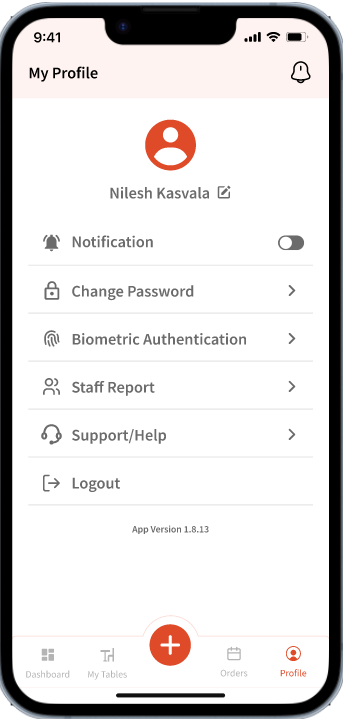
For the following organizations:
1. Food and Dining
2. Food and Drink
Notification is part of Profile ->
Note: Other organizations won't have this feature as tables are not part of their flow.
Notification: User can turn this on/off to receive or not receive notifications about the table requests.
Whenever a table request is added by the guest, a push notification like this will be sent: 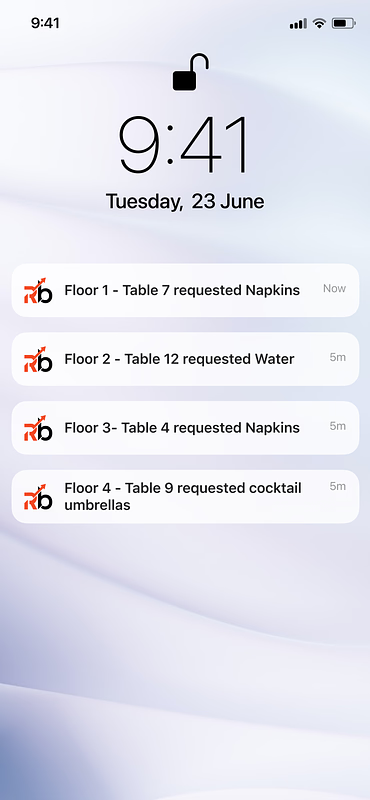
Change Password
User can update current password using the 'Change Password' option in Profile settings.
If the new password meets the requirements, user will be able to update it with ease. 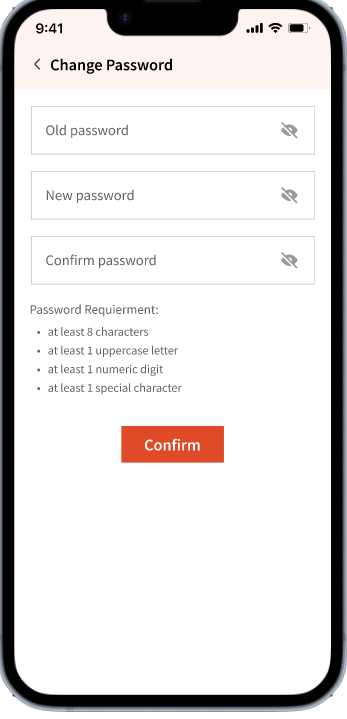
Biometric Authentication
Depending on the user’s device, biometric authentication can be enabled or disabled. This adds an extra layer of security when accessing the app. Android devices support fingerprint authentication, while iOS devices support Face ID.
User must also agree to the Terms and conditions in order to enable this feature.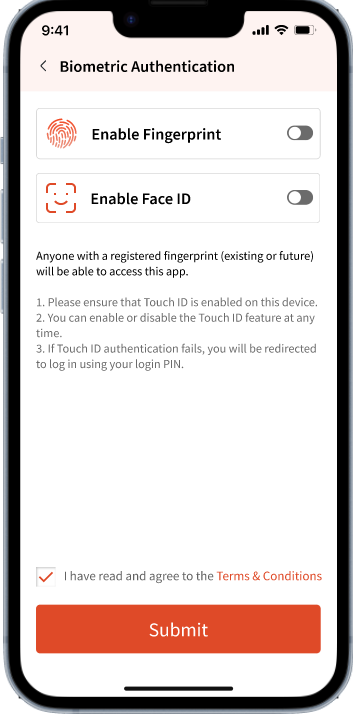
Staff Reports (Customer Admin and Admin Only)
Note: This is a Customer Admin and Admin only feature and cannot be accessed by other user types.
This allows them to view timesheets for all the users using the Staff app in their organization. 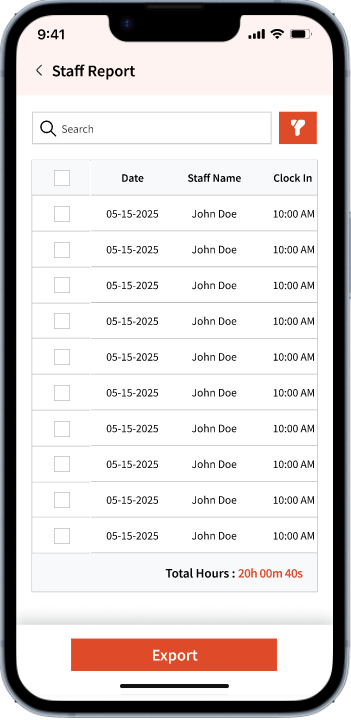
They can filter by staff name and select a date range to view day-by-day reported hours for the selected staff member. They can also export the results as a xlsx file.
Using the checkbox, they can choose which staff members’ data to include in the export. 
Support/Help
Users will be directed to the Contact Us page on the Retailboon website if they choose this option to seek options to connect with the support team. 
Profile
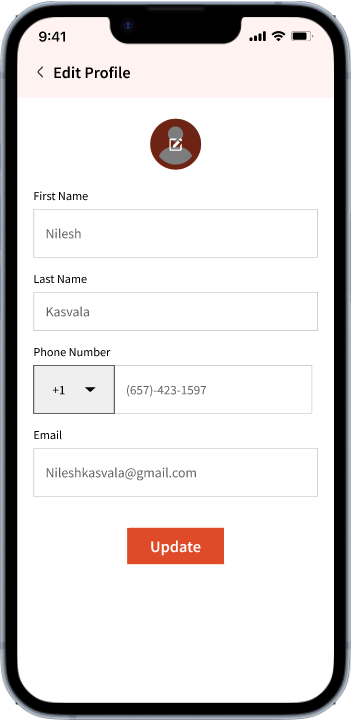
Users can also update their name, cover image, phone number, and email using the pencil icon located next to their name on the Profile tab.
Note: If the user updates any information here, it will also be reflected on the Customer Admin side when viewing the user’s details.