For any tables that input a table request, the staff app will send you a push notification.
Note: Only the user assigned to the table will be notified but any user can mark the table requests as done or cancelled. However, any user can mark a request as completed or deleted.
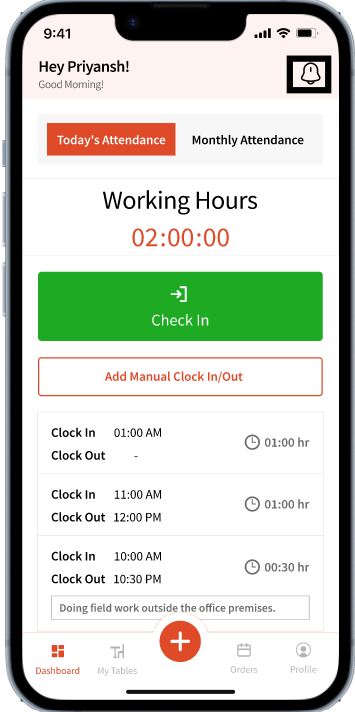
Any incoming table requests can be accessed using the bell icon located on the top right corner in the app:
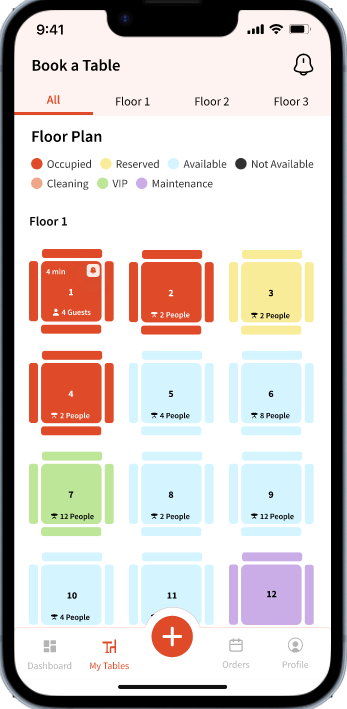
Users will also see a bell icon popping on the tables that send a request: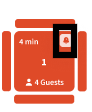
Clicking the bell icon from the top right will show the following view: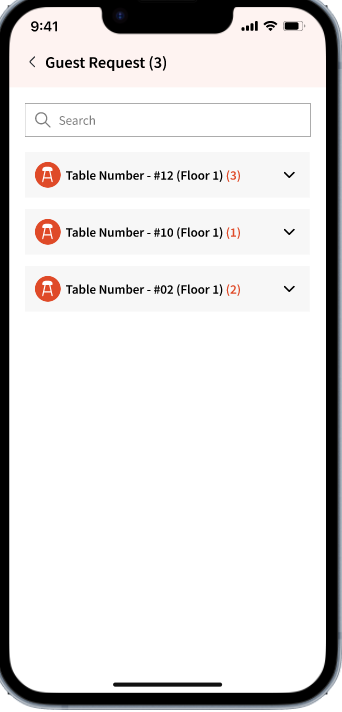
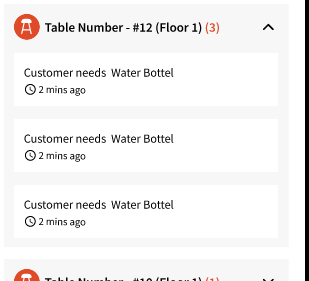
This allows users to view table numbers, the number of guests, and the floor where each table is located. Clicking a table expands the view to show submitted requests and how long ago they were added. 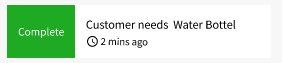
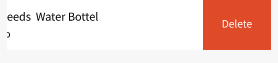
Users can swipe right to mark a request as complete, or swipe left to cancel it if the request is no longer valid.
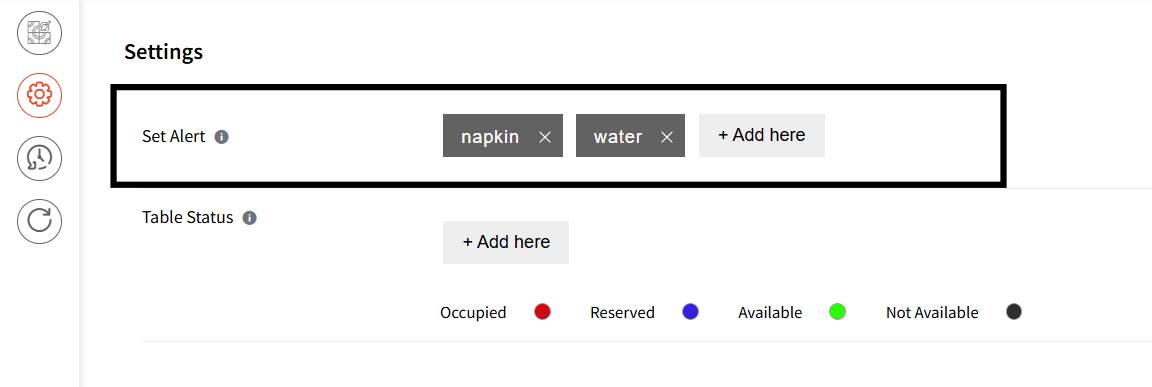
Please note: Guests cannot add custom requests. They can only submit requests that have been configured by the Admin in the Alert module. Once a table is assigned, guests receive a link that allows them to submit these requests. For example, in the screenshot below, the Admin has configured only Napkin and Water, so those are the only requests available to guests.